If you're choosing a safety system for yourself or someone you love, you already know how important it is to get this right. You want help close at hand without giving up independence. The hard part is that senior monitoring systems do very different jobs. A help button connects you to a responder. A smartwatch can call 911. A bathroom radar sensor watches one room. A memory-care camera helps when reviewing a fall.
When deciding between devices it can help to start with the person, not the product. Can they call for help? Will they wear or accept the equipment? Where do they need protection, and who should receive the alert? Privacy matters. So does the full cost.
A summary table is below, followed by a deeper dive on each device category.
The quick version: which type, and why
Tap any row to see the detail.

Medical alerts, PERS & help buttonsA direct route to a trained responder, at home or on the go
Upsides
Trade-offs
Examples (from)
- Bay Alarm: from $27.95/mo
- Lively: from $24.99/mo
- Medical Guardian: from $34.95/mo
Fall detection?
Auto-detecting wearablesA discreet wearable with nothing to press
Upsides
Trade-offs
Examples (from)
- Apple Watch SE 3: $249, no monthly fee
- Bay Alarm SOS Smartwatch: 24/7 monitoring + optional fall detection, $199 + from $39.95/mo
- Haelo ring: $250–$400 + $11.99/mo (pre-order)
Fall detection?
Passive sensorsCamera-free monitoring of selected rooms, including overnight
Upsides
Trade-offs
Examples (from)
- Motion / bed-exit kits: ~$50–$200
- Vayyar Care: radar, quote required
Fall detection?
Cameras & home securitySeeing what happens at home, plus security and hazard alerts
Upsides
Trade-offs
Examples (from)
- ADT Blu: $199 kit + plan
- SimpliSafe: from $0.76/day
- SafelyYou: AI, quote (senior living)
Fall detection?
Combined / all-in-oneSeveral needs at once, from falls and wandering to daily routine and home hazards
Upsides
Trade-offs
Examples (from)
- CarePredict: $499 kit + $69.99/mo
- ADT bundles: security + medical, priced separately
Fall detection?
Last verified June 2026.*
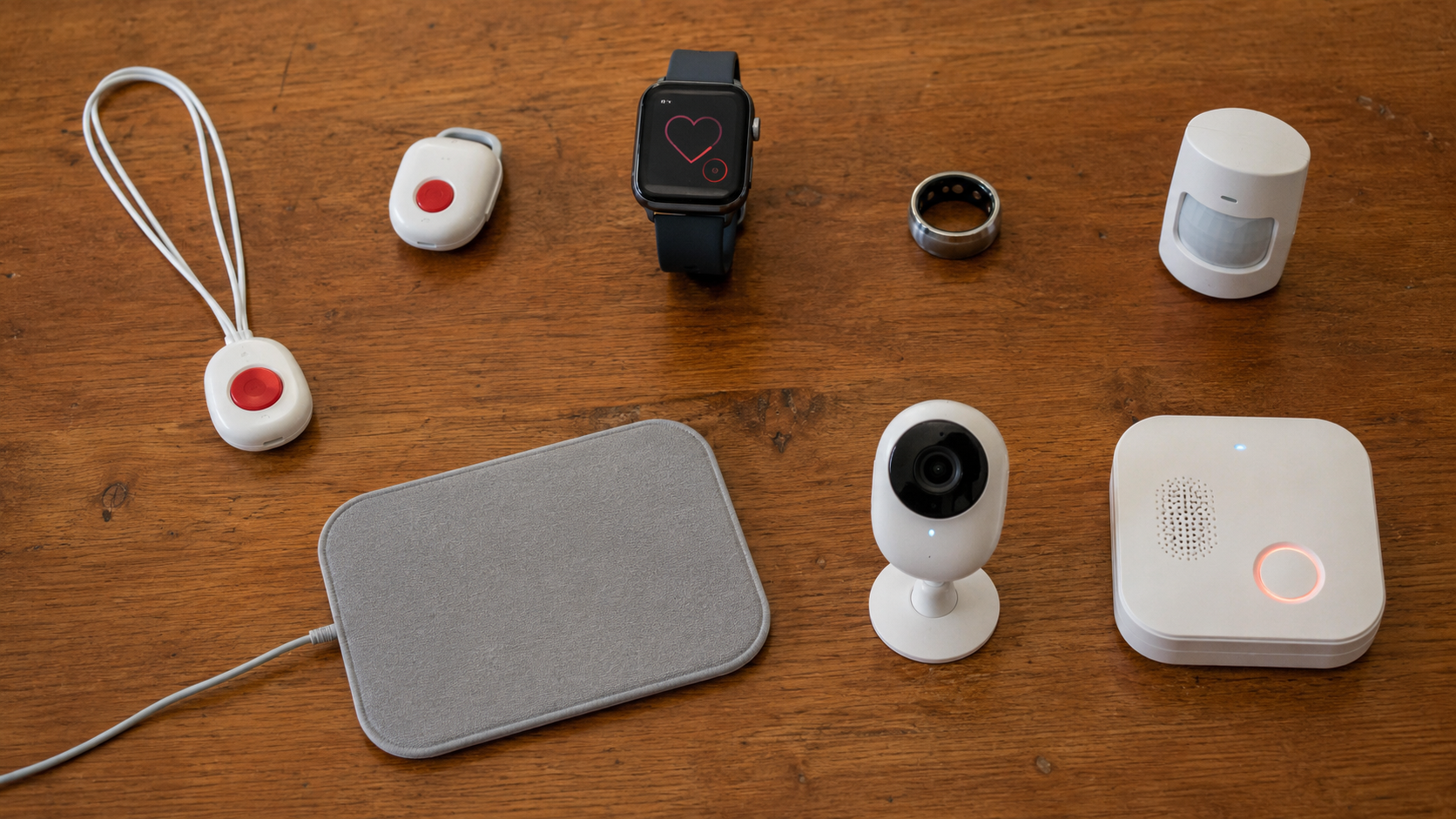
The five types of senior monitoring system
1. Medical alerts, PERS and help buttons
Best for: Wanting a real person on the line, for someone who will wear and can press it.
Skip if: They might be unable to press a button, or won't wear a pendant.
What it is. This is the category most people picture first: the pendants and wrist buttons you press in an emergency, like the ones Life Alert made familiar. The technical name is a personal emergency response system, or PERS, but the idea is simple. You press a button and help comes, and on some devices a possible fall is detected and reported automatically, without a press.
How help arrives. Pressing the button connects you to a person, or sends an alert. With professional monitoring, a trained agent answers and can dispatch help. Family-alert versions simply notify the people you choose. A monitoring centre gives you a staffed first line for a monthly fee; a family-only route costs less but only works if someone you trust can answer.
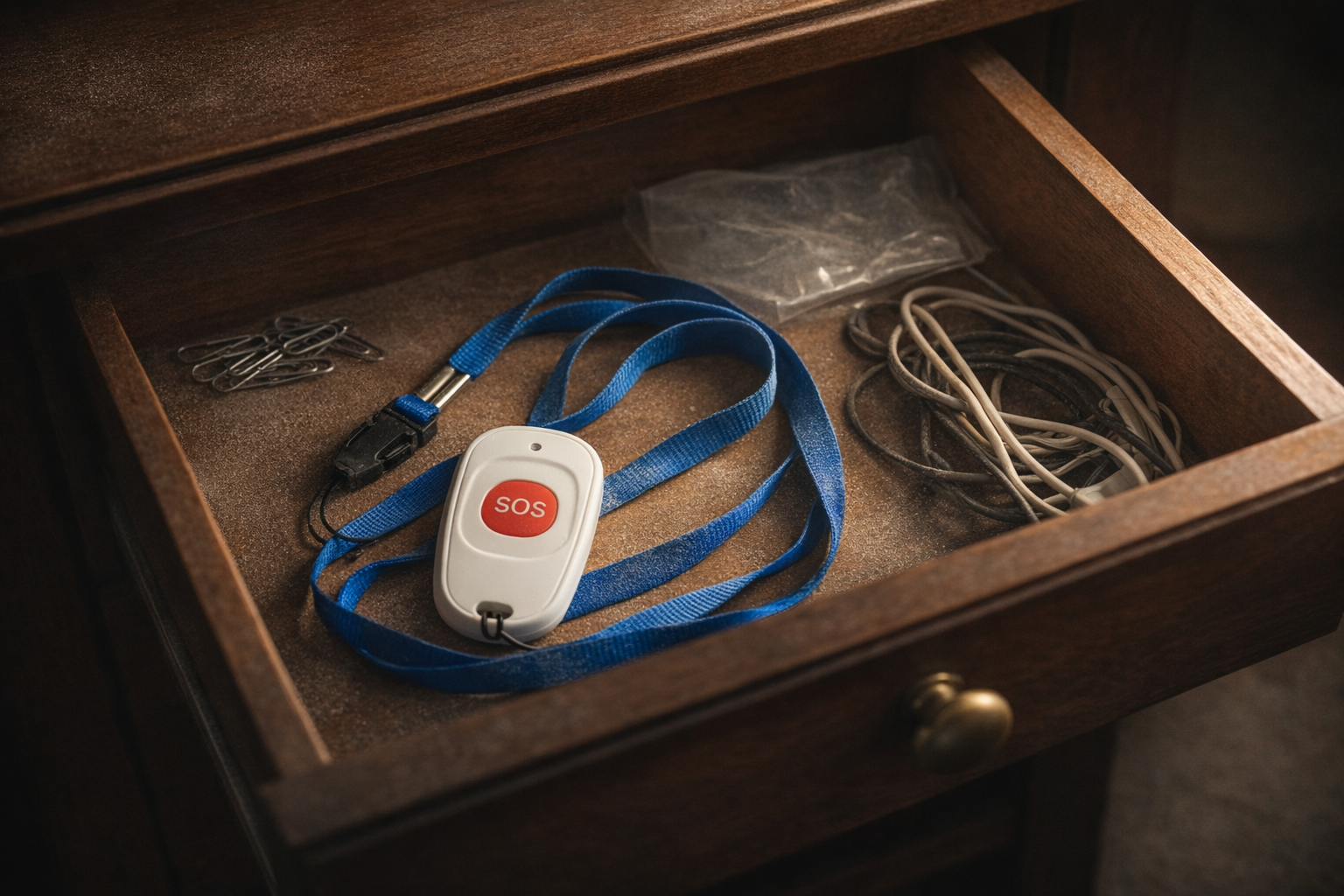
Who it suits, and the catch. It's a simple, proven route to a human responder, but only if it is worn and the person can press it. The catch is real: a pendant left in a drawer helps no one, and many people will not wear one. A manual button can't help someone who is unconscious or can't reach it, and the automatic fall detection that closes that gap usually costs extra. Monthly plans for NCOA's top picks run about $25 to $37, with fall detection adding roughly $8 to $12.
2. Auto-detecting wearables: watches, rings and bands
Best for: An active, independent person who will wear a watch, ring or band consistently.
Skip if: The person won't wear a device, or won't keep it charged.
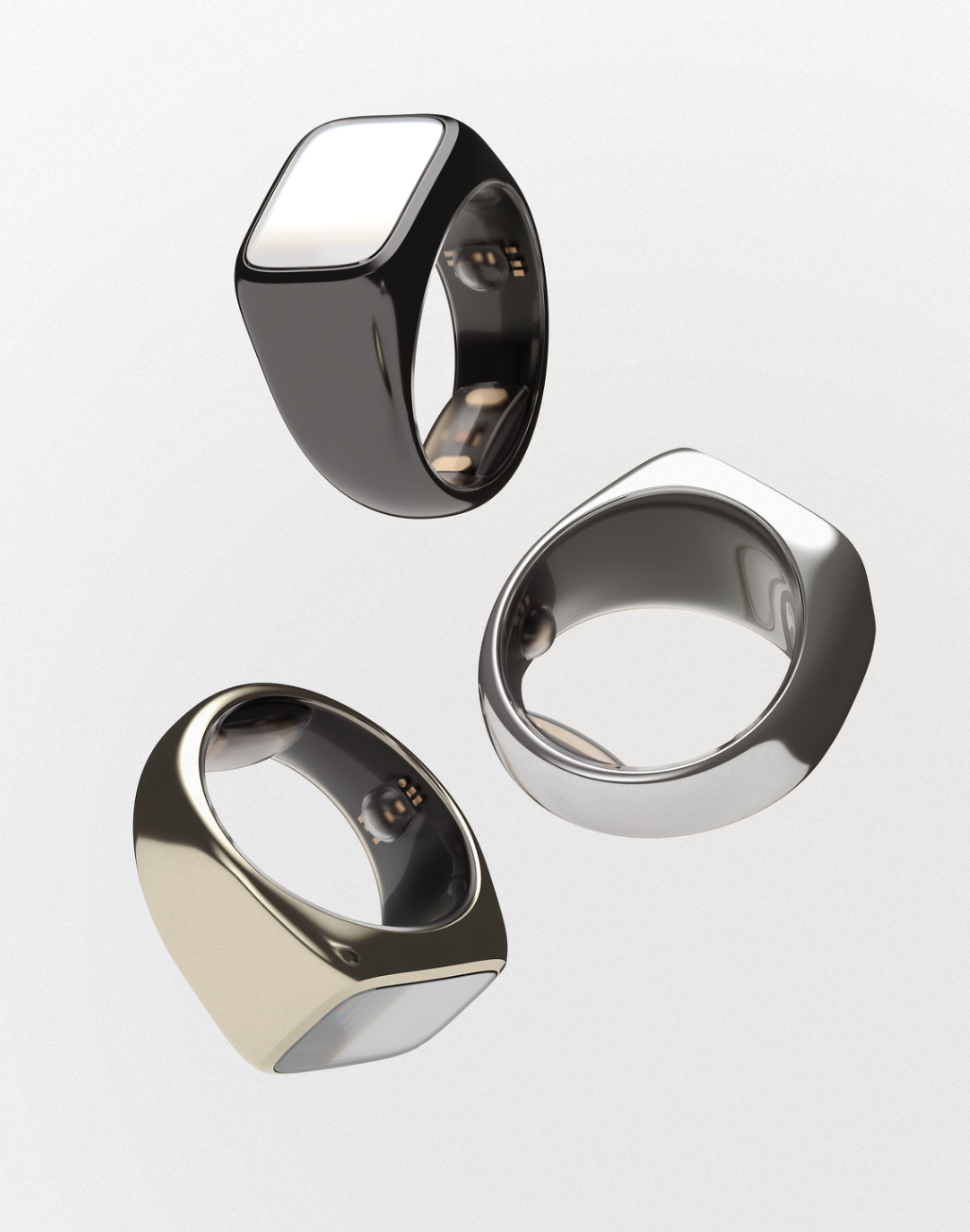
What it is. Devices you wear on the wrist or finger - smartwatches, smart rings and wristbands. Some watch for the movement pattern of a fall and raise the alarm without a button press; many also track health signals like heart rate, sleep, activity and blood oxygen that can flag a change before it becomes a crisis.
How help arrives. It varies by product. An alert can reach 911, a monitoring centre or chosen family. Many add a speaker or GPS; others lean on a paired phone or hub. Check who the alert reaches and how, not just the headline feature.
Who it suits, and the catch. A wearable can do two jobs: raise the alarm when the person cannot act, after a faint or a heavy fall that leaves them unable to reach a button, and quietly track health signals like heart rate, sleep and activity that flag a change before it becomes a crisis. Because it stays on the body, a good one is easy to wear all day and does not look medical. The formats differ in ways that matter. Some smartwatches provide a screen, speaker and GPS, but typically need charging overnight, which is a problem given how many incidents happen at night. A smart ring is the most discreet, runs for days between charges and is well suited to round-the-clock vitals, though the category is newer. A wristband can be a fitness and health band, comfortable and familiar but only tracking heart rate, sleep and activity, or a wrist-worn medical alert that detects falls and calls for help. Only the latter is a safety device, not just a tracker. Whatever the format, confirm it is water resistant for the shower, and add its price to any phone, hub or subscription it needs.
3. Passive sensors: no camera, no wearable
Best for: Someone who won't wear anything, covering the rooms that matter at home.
Skip if: They are often away from home, or you need instant human response.
What it is. Sensors placed around the home that watch a room rather than asking anyone to wear a device. A radar unit on the wall or ceiling can track body position and spot a fall; simpler motion, door, floor-mat and bed-exit sensors react to movement or a change in weight. Most run on batteries and report to a small hub over wifi, so there is nothing to wear or charge.
How the alerts differ. This matters. Radar may flag a fall directly, but most simple sensors only tell you that something changed - a bed was left, a door opened, no movement all morning. They warn; they rarely confirm an emergency.
How help arrives. The alert goes to the people you choose, or to a monitoring service if the system offers one. Simple sensor kits are usually a one-off purchase with no monthly fee; a monitored radar system costs more and is often sold by quote, mainly to care homes.
Who it suits, and the catch. Good for someone who will not wear a device or accept a camera, which makes it one of the least intrusive options and a common choice when dignity or dementia rules the others out. It is especially useful overnight, on the route from bed to bathroom. The catch: coverage stops at the edge of the installed room, so a whole-home picture takes several sensors, and someone still has to act on the alert.
4. Cameras and home security
Best for: Wanting to see what is happening, plus home security.
Skip if: Privacy at home matters most, or you need medical fall detection.
What it is. A camera gives you a live or recorded view of a room, and a home-security system can add door, motion, smoke, carbon-monoxide and panic alerts. A handful of specialist AI camera systems go further and flag a suspected fall - but an ordinary security camera, even with person detection, is not a medical fall detector.
How it helps, and the catch. Visual confirmation can answer what other sensors can't: what actually happened. That helps a family member or care team decide how to respond. The cost is privacy - agree camera placement, who can view footage and how long it is stored before anything goes up. Cameras also have blind spots and only help if someone is watching or gets the alert.
5. Combined and all-in-one systems
Best for: Complex needs at once: falls, wandering, routine, location.
Skip if: One simple device already covers the real risk.
What it is. A service that brings several pieces together - a wearable plus room sensors, indoor location, routine alerts, sometimes cameras or professional monitoring - under one caregiver app. "All-in-one" describes the service, not a single small device.
Who it suits, and the catch. Right for someone whose needs span more than a fall alert: wandering, changed routines, location, home hazards. But the catch is real - more equipment, more cost, and more for a caregiver to set up and interpret. If one clear alert and response solves the problem, a simpler system wins.
How to choose: five questions across every type
Will it actually get worn, carried or accepted?
Start with real life. A device in a drawer or on a charging dock cannot help. Ask what the person will actually wear, carry or allow in the home. Try it on. Check how it feels against the skin and whether jewellery or limited dexterity gets in the way. Then check waterproofing and charging. Ask how cameras feel, too. Dignity and control belong in the decision. Read more about why some seniors refuse to wear medical-alert devices.
Will it work when the person cannot act?
Know what the system can do without help from the wearer.
Manual alert: works only when the person can reach and press the button.
Automatic fall detection: tries to recognize a fall without a button press.
Inactivity or routine alert: flags a change in pattern. It does not necessarily mean there is an emergency.
Camera or radar alert: covers only the area the sensor can see or scan.
Keep a backup plan. Automatic detection can miss a fall. Apple, Lively, Bay Alarm and ADT all publish limitations. Press the help button after a fall if you can. Do not wait to see whether an automatic alert starts.
What happens at night?
Walk through a normal night. Follow the route from bed to bathroom. Will the wearable stay on in bed and in the shower, or will it be charging? Does a sensor cover the whole route? And if an alert fires, will it reach someone who can respond?
Check what survives an outage. A base station with a backup battery does not keep the router alive. A local pager may still work when the internet fails, but it cannot reach a caregiver across town. Check the power, internet and cellular backup for the exact setup.
Who receives the alert, and what can they do?
Start with the responder. The responder shapes what happens next. You might route the alert to a professional monitoring center, 911, an on-site care team or selected family contacts. Each route offers a different kind of help. An alert only matters when it reaches someone who can act.
Ask what they receive. Do they get a location? Can they speak to the wearer? What happens if the first contact does not answer? A family-only system needs a reliable responder. A professional center gives you a staffed first line and adds a recurring fee.
What is the real total cost?
Hidden costs add up quickly. The monthly price is only one part of the bill.
Real cost = equipment + installation + monitoring + fall-detection add-ons + connectivity + replacement items + cancellation costs.
Check the details behind each quote. Does the monthly price require annual prepayment? Does a cellular watch need a carrier plan? Will another room need another sensor? Do you need to return a free base unit? For a broader breakdown of conventional alert pricing, see our guide to Life Alert costs and alternatives.
Compare quotes only when they cover the same setup.

Free Resource
Not sure how to start the safety conversation?
Download our free 1-page guide: The "How to Talk to Parents About Safety" Script
Download Free PDFFrequently asked questions
Does Medicare or insurance cover senior monitoring systems?
Original Medicare Parts A and B do not generally cover a stand-alone medical-alert system. Some Medicare Advantage plans may cover all or part of a PERS, and CMS includes PERS among the supplemental benefits those plans may offer in 2026. Medicaid coverage changes by state and program. Home and community-based services waivers can pay for support outside ordinary Medicaid benefits. Before you buy, check the plan's Evidence of Coverage and ask whether the relevant state waiver includes PERS or assistive technology.
Do senior monitoring systems require a contract?
Some do, and some do not. Lively, Medical Guardian, CarePredict, SimpliSafe and ADT Health advertise month-to-month or no long-term-contract options for the products discussed here. Life Alert is the notable exception: it typically requires a three-year contract. Some professionally installed home-security packages, including current ADT offers, can require a 36-month term. Get the minimum term, cancellation method, equipment-return rules, refund policy and any early-termination charge in writing before you pay.
Can an Apple Watch replace a medical-alert system?
Apple Watch can replace part of a medical-alert system for the right iPhone user. It offers automatic hard-fall detection, Emergency SOS, location sharing and direct emergency calling. It does not work like a professionally monitored PERS. The user still needs to manage charging, an iPhone or cellular connection and a touchscreen, and the battery lasts only about a day, so it can be off overnight when fall risk is highest. The watch also calls 911 directly rather than using a monitoring center. Choose it because that setup fits the person's routine, not because it has the longest feature list.
What is the best senior monitoring system for someone with dementia?
No single type is best for everyone with dementia. Match the system to the person's stage, preferences and support. If wandering is the main concern, door alerts, indoor location or GPS may matter more than a fall button. If the person cannot operate a device, passive or automatic detection matters more. The Alzheimer's Association advises using location technology with other safety measures and pairing smart-home tools with regular check-ins. Seek specialist advice as needs change.
Are cameras a good way to monitor an older adult, and how can privacy be protected?
Cameras can confirm what happened, but they need firm privacy rules. Get meaningful consent and choose the placement together. Limit who can view the footage. Secure the account. Decide how long recordings stay stored. First ask whether a camera-free option, such as radar, motion sensors or a wearable, can answer the same question with less intrusion.
Is one monitoring system enough, or should you combine different types?
One system is enough when it covers the places and events that matter and reaches someone who can act. Add a second type only to close a clear gap, such as bathroom coverage for someone who relies on a mobile wearable. More alerts do not make a system safer unless they lead to a clearer response.
What is the best senior monitoring system for someone living alone?
Start with who will respond. If the person may be unable to act, choose a system that can trigger without a button press. If no friend or relative can promise a prompt response, route the alert to professional monitoring or a reliable emergency-calling service. Add mobile coverage if they leave home alone. Check the bedroom, bathroom and nighttime routine directly. The best option is one the person accepts, one that works where they spend time and alerts someone who can respond.
More about Haelo
Why we built it. At 5am on 18 September 2022 came the call no family wants. My father had collapsed in the bathroom from a heart attack, alone, his partner asleep next door. The smartwatch that might have saved him was charging by his bed. No alert, no alarm, just silence. Haelo was created to stop this happening. Read the Haelo founding story and our technology, limitations and validation status.
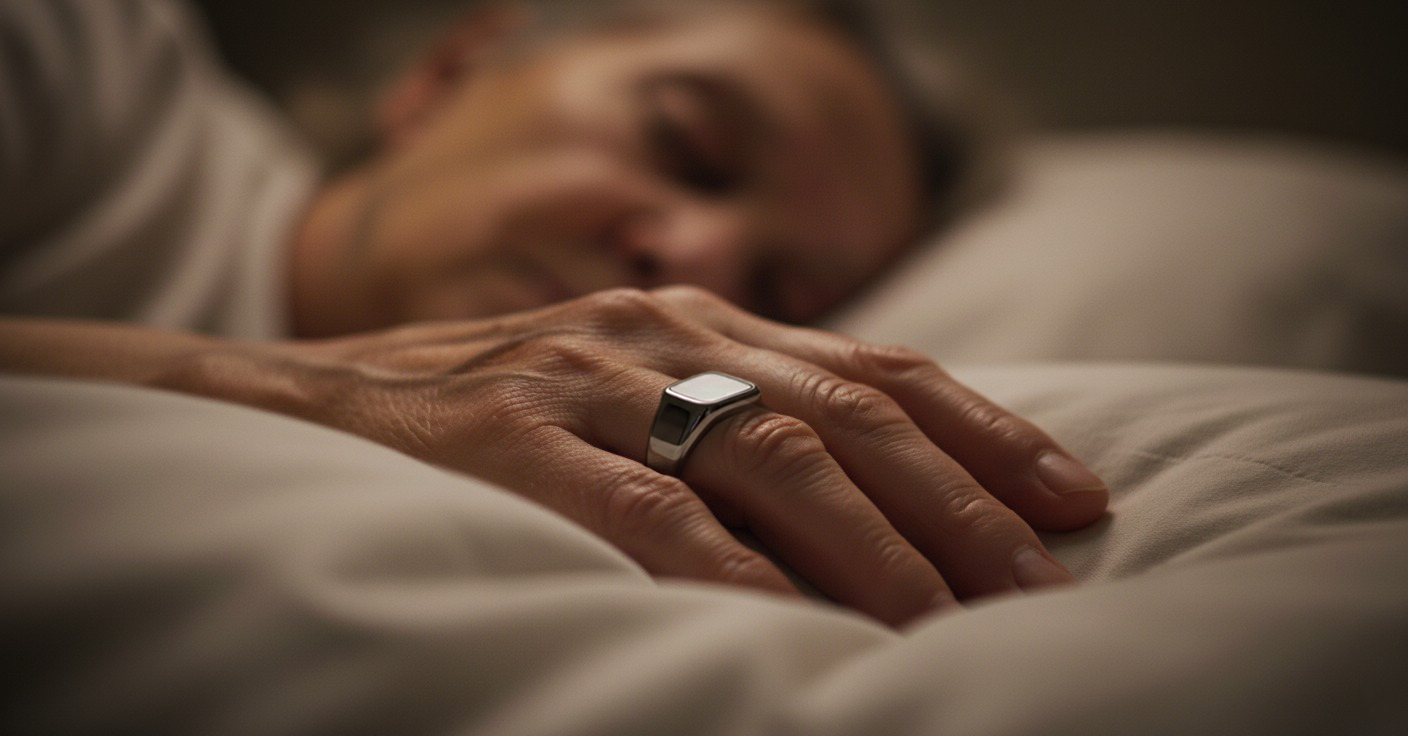
Where validation stands. Haelo is in active validation. A pilot at Burleigh House Care Home is proving out wearability, connectivity, charging and reporting in a real care setting, and the fall-detection algorithms are being developed with research partners. We won't claim proven fall detection until the data supports it, but the groundwork is well underway. See how smart-ring fall detection is being developed.
You do not need to fill a home with technology. You need a practical safety net that supports independence, respects privacy and turns an alert into useful action. Rule out what cannot work. Then compare response, coverage and cost.
Disclosure: Haelo is our product. We’ve done our best to present it alongside the alternatives fairly, including where others may be a better fit.
By Alex. Last updated June 2026.
Methodology. We grouped products by how they detect a problem and who responds. We compared who each type suits, its main limitation, its response route and its current U.S. cost structure. We checked product prices and specifications against official manufacturer pages on June 19, 2026. We checked Medicare and Medicaid statements against CMS, Medicaid.gov and NCOA, and dementia and technology-safety guidance against the Alzheimer's Association. We left out temporary promotions when a standard list price was available. We identify quote-only institutional products as such. No product received a star rating or paid placement.
* U.S. list prices before taxes, fees and temporary promotions. Starting prices cover different levels of equipment and service, so they are not like-for-like packages.
First published · Last updated