
Yes. You can have automatic fall detection without owning or carrying a smartphone. Some alarms send alerts through a base unit at home, while others have their own mobile connection. Certain smartwatches can also contact help without a phone nearby.
Detecting a fall and sending an alert are separate steps
A fall detector has two jobs. It has to recognise that a movement looks like a fall, and then it has to get an alert to someone, such as a response centre, a family member or the emergency services. A smartphone is one way of doing the second job, but not the only one.
Say you wear a smartwatch that recognises a fall in the hallway while its paired phone is charging upstairs. The watch can contact help only if the phone is still within range or the watch has a working connection of its own, such as Wi-Fi or a mobile service. Otherwise it may register the fall without being able to send an alert.
Not every wearable recognises falls on the device itself. Some send their readings elsewhere to be analysed, so losing the connection stops detection as well as the alert. Fall detection also misses some falls: LifeFone and Apple, the examples below, both say theirs doesn't catch every one.
How the main setups compare

| Setup | Does the wearer need a phone nearby? | What connects it to help |
|---|---|---|
| Home alarm with a base unit | No | A base station at home, linked by a mobile connection or a landline. The wearable must stay within its range. |
| Standalone mobile alarm | No | The alarm's own mobile connection, where there is coverage. |
| Smartwatch with fall detection | Not always. It depends on the model and settings. | A paired phone within range, Wi-Fi where supported, or the watch's own mobile service. |
Home alarms with a base unit
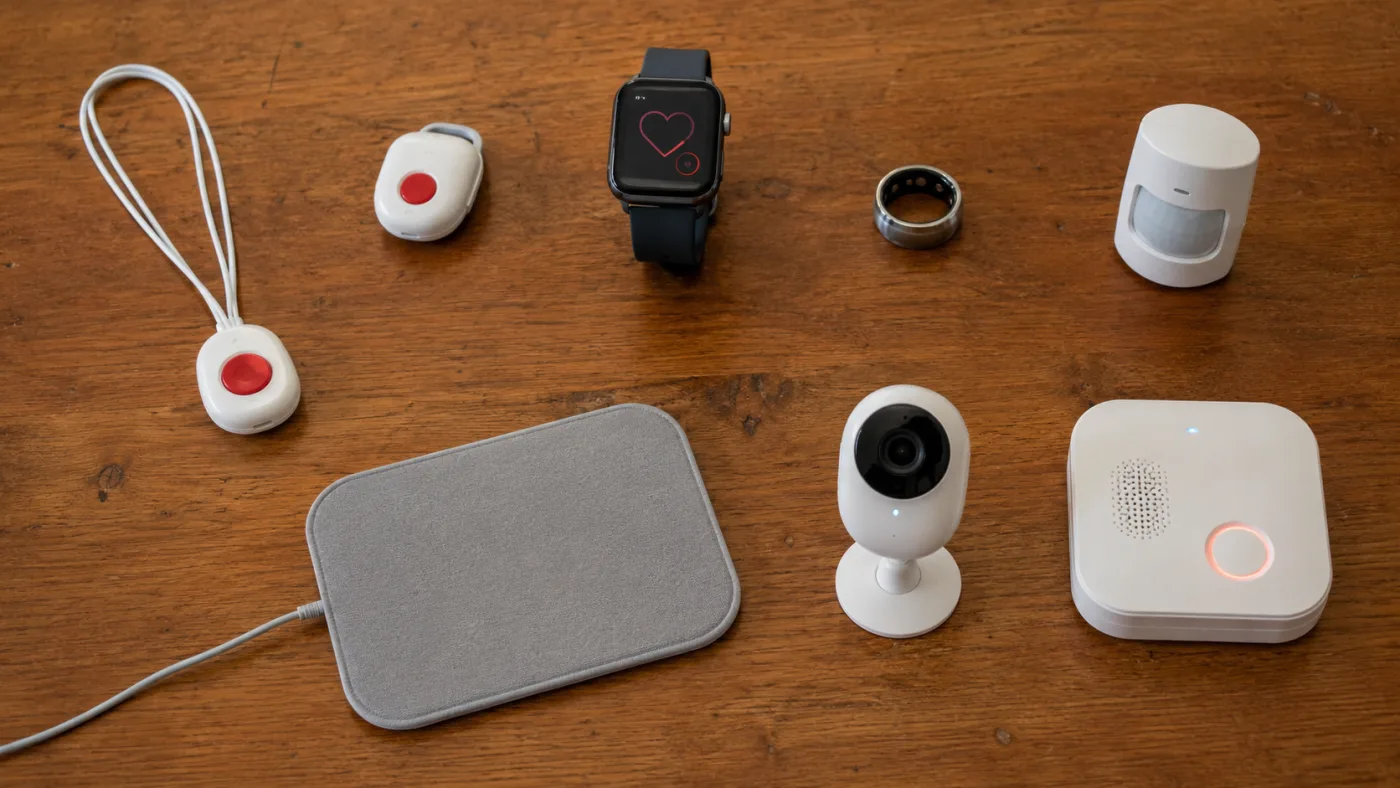
A home alarm pairs a wearable help button with a small base station that stays plugged in at home. When the wearable raises an alert, the base passes it to a response centre.
LifeFone At-Home Cellular is one example. The US provider's base station uses its own AT&T mobile service, so the wearer doesn't need a mobile phone.
Automatic fall detection is optional and comes as a separate pendant. The standard help button raises an alert only when pressed, and the two aren't interchangeable, so check which one you are ordering.
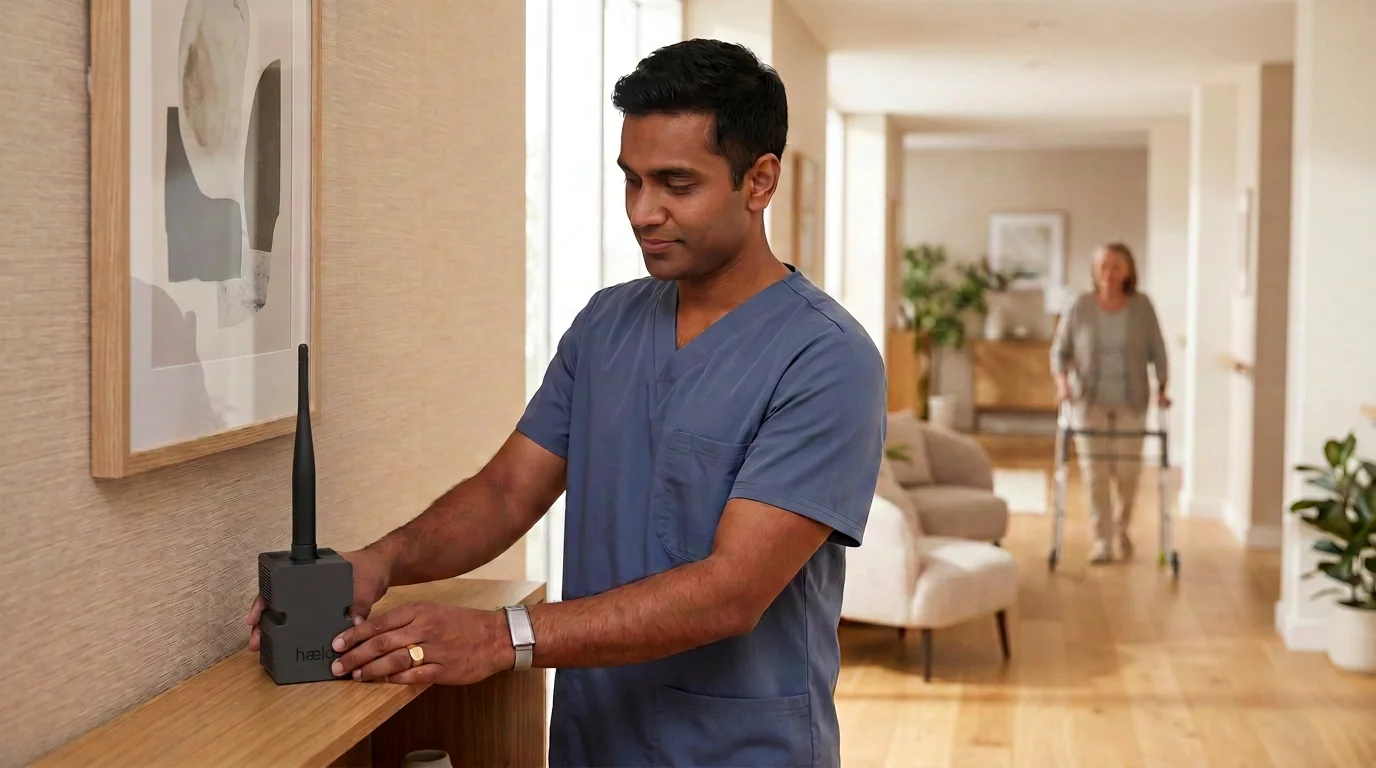
The pendant works only within range of the base, so ask whether that range reaches the specific rooms you use, such as the bathroom, and the garden. The base has battery backup for power cuts. Some home alarms use a landline instead. Compatibility varies, so confirm it with the alarm provider.
Mobile alarms with their own connection
A standalone mobile alarm has its own mobile connection, so it can send an alert at home or out and about without a phone or a base unit.
LifeFone's VIPx2, also a US service, works this way. It needs AT&T or Verizon coverage but no phone service in the home, and automatic fall detection is optional here too. Its microphone and speaker let the wearer talk to LifeFone's US-based response centre, which then follows the emergency care instructions set up for them. The device needs charging, and it can raise an alert only where it has coverage.
Does Apple Watch fall detection work without an iPhone nearby?
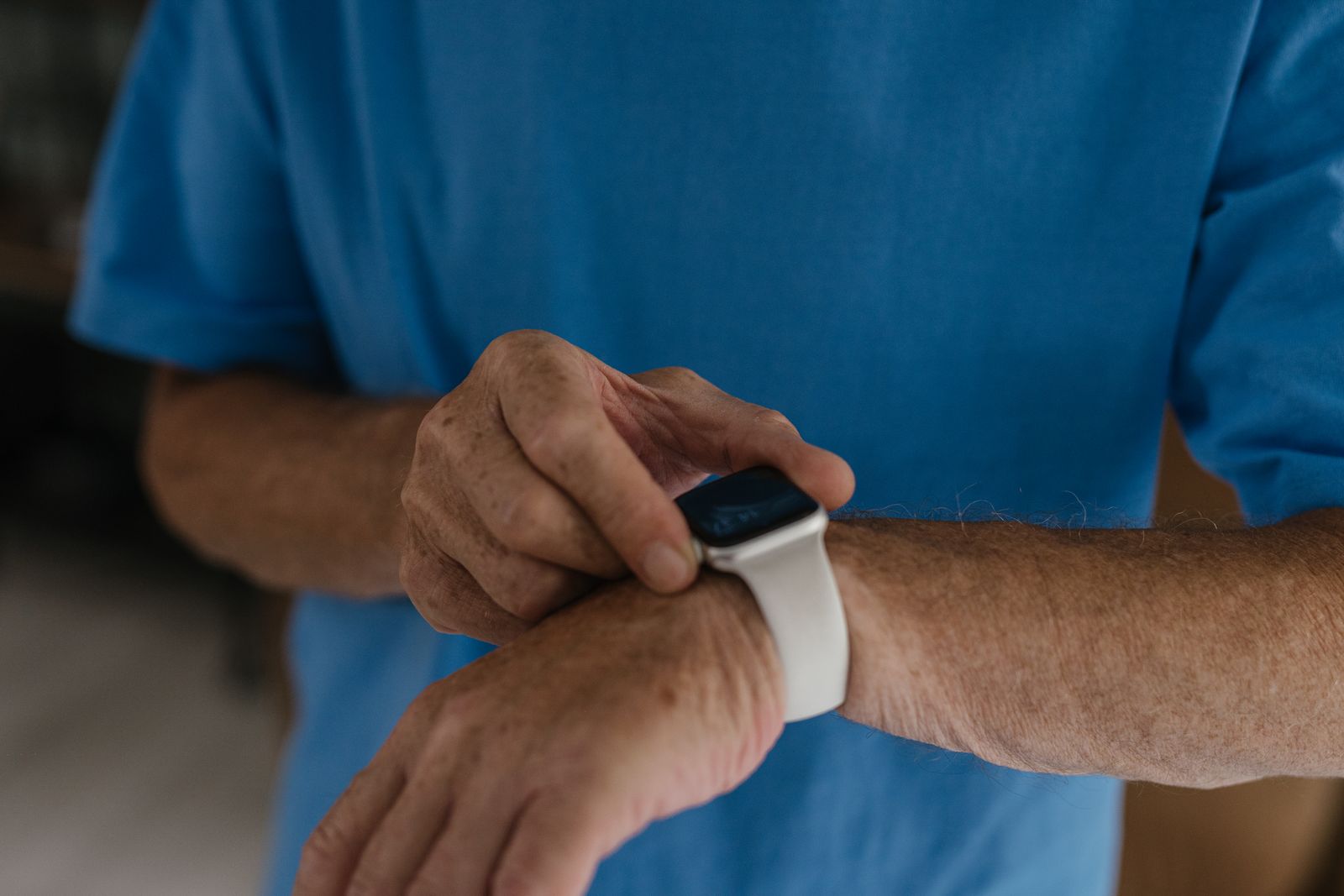
Yes, as long as the watch has another way to connect. On supported models, Fall Detection recognises hard falls and shows an alert on the wrist. If the wearer doesn't respond and stays still, the watch can call the emergency services. Fall Detection and Wrist Detection both need to be turned on. Fall Detection is available only to users aged 18 or over.
With the iPhone switched off or out of range, the watch can use Wi-Fi, and GPS + Cellular models can also use their own mobile connection. A GPS-only model can still call over Wi-Fi if Wi-Fi calling is supported and turned on. GPS on its own tells the watch where it is but can't carry a call. A cellular model isn't a guarantee either. Some networks may not connect an emergency call from a watch that isn't activated, compatible or correctly set up, so check with your network.
If you don't have an iPhone, a compatible cellular Apple Watch can be set up and managed through a family member's iPhone. Some features differ in this setup, and it isn't available in every country or on every network.
Outside mobile and Wi-Fi coverage, Apple Watch Ultra 3 may also send fall notifications by satellite, where the service is available and the wearer is outdoors with a clear view of the sky.
How the Haelo ring is designed to connect
We're designing the Haelo ring, now available to pre-order, to send its readings over Bluetooth to a nearby smartphone or a plug-in Haelo Hub on your home internet. The phone or Hub passes them to our cloud service for analysis. That means detecting a fall and sending an alert both need a working internet connection, with the wearer in range of the phone or Hub.
The Hub is intended to let the wearer go without a phone at home. The ring has no SIM card and can't make voice calls, and anyone receiving alerts needs a smartphone for the app.
What to check before you choose
Apple and LifeFone details checked against their published guidance on 10 November 2026.
First published